Tools & Technology
The Right Tools. Better Design. Stronger Games.
At Dice Peak, we combine creativity, experience, and technology to support every stage of board game development.
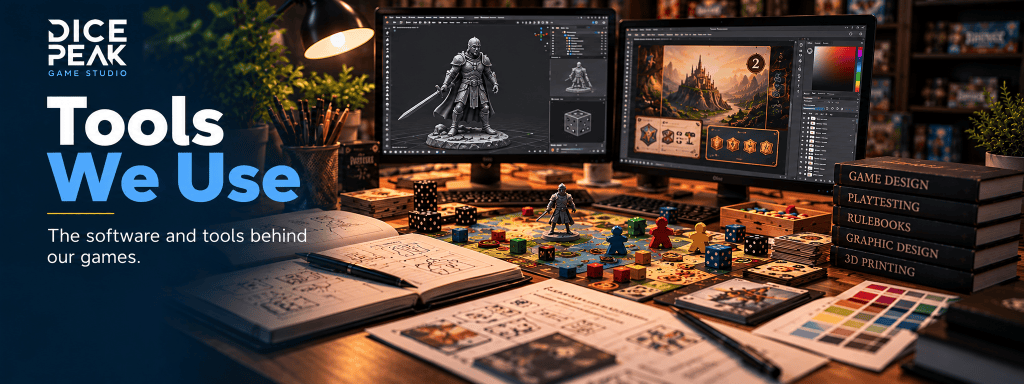
From graphic design and rulebook editing to digital prototyping, 3D modeling, and data analysis, we use a variety of specialized tools to improve our workflow, explore ideas, and deliver reliable results.
Below, we share some of the software and applications that support our work, along with their key features and how they contribute to the game development process.
Explore the tools behind our creative process.
Organize Projects. Collaborate Better.
Freedcamp is a project management platform that helps us organize board game development projects, coordinate tasks, manage files, track progress, and collaborate efficiently. By bringing discussions, deadlines, and project materials together in one place, it keeps our workflow structured and every development stage on track.
Connect Ideas. Organize Knowledge.
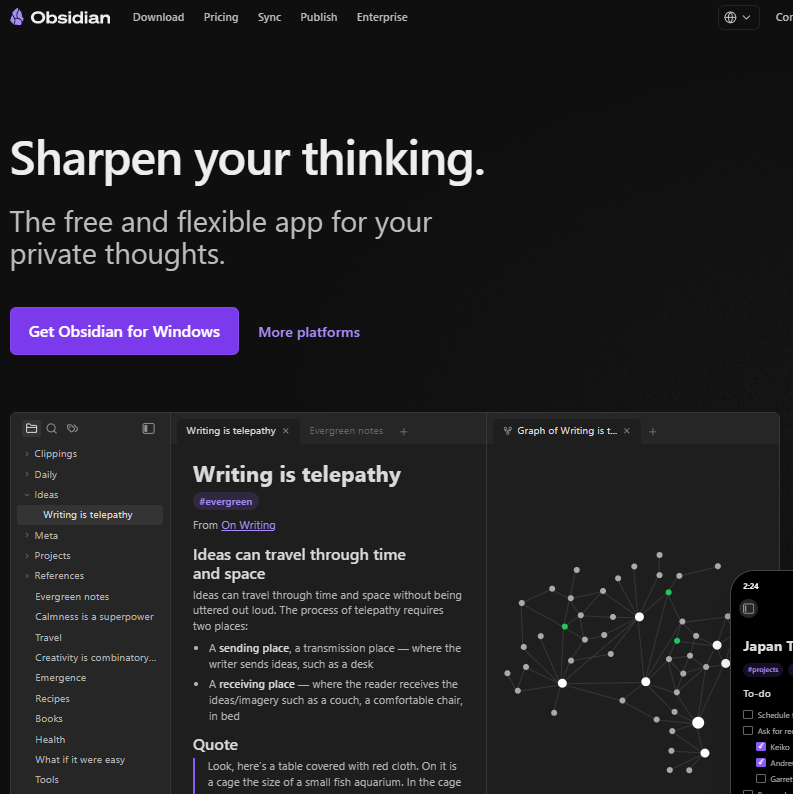
Obsidian is a powerful knowledge management tool that helps us organize game design concepts, development notes, research, and project documentation. By connecting ideas and information through linked notes, we build a structured knowledge base that supports creativity, preserves valuable insights, and helps us make better decisions throughout the game development process.
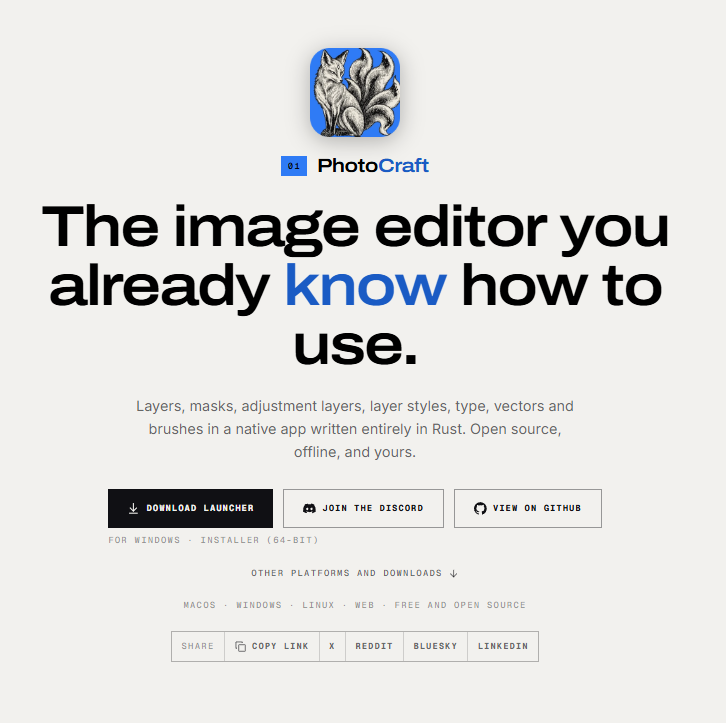
Professional Image Editing. Creative Freedom.
PhotoCraft is a free, open-source image editor offering professional tools such as layers, masks, filters, brushes, and non-destructive adjustments. With support for Photoshop PSD files and offline editing, it provides a flexible environment for creating and refining board game artwork, cards, components, and visual assets throughout the game development process.
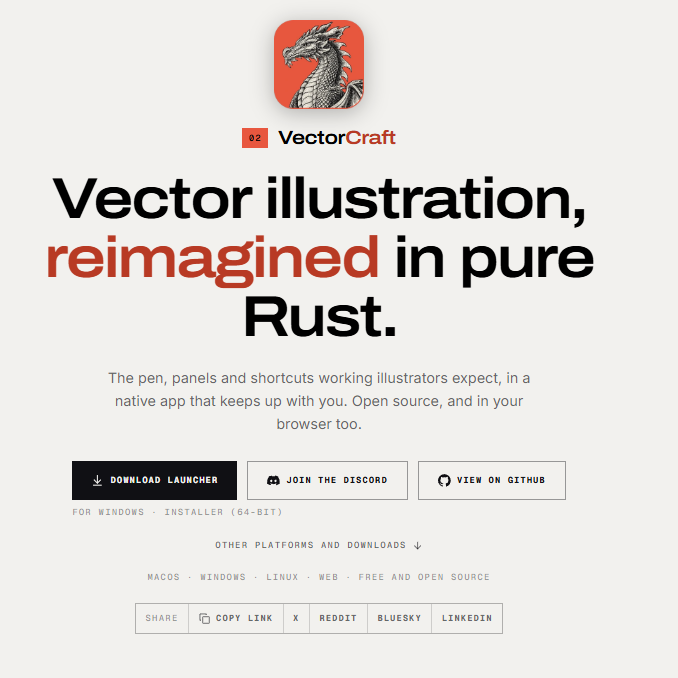
Precision Vector Design. Creative Freedom.
VectorCraft is a free, open-source vector graphics editor offering tools for creating and editing scalable illustrations, logos, icons, and graphic elements. Featuring Bézier curves, shape editing, image tracing, and SVG support, it provides a flexible environment for designing board game components, card layouts, symbols, and other visual assets with precision and creativity.
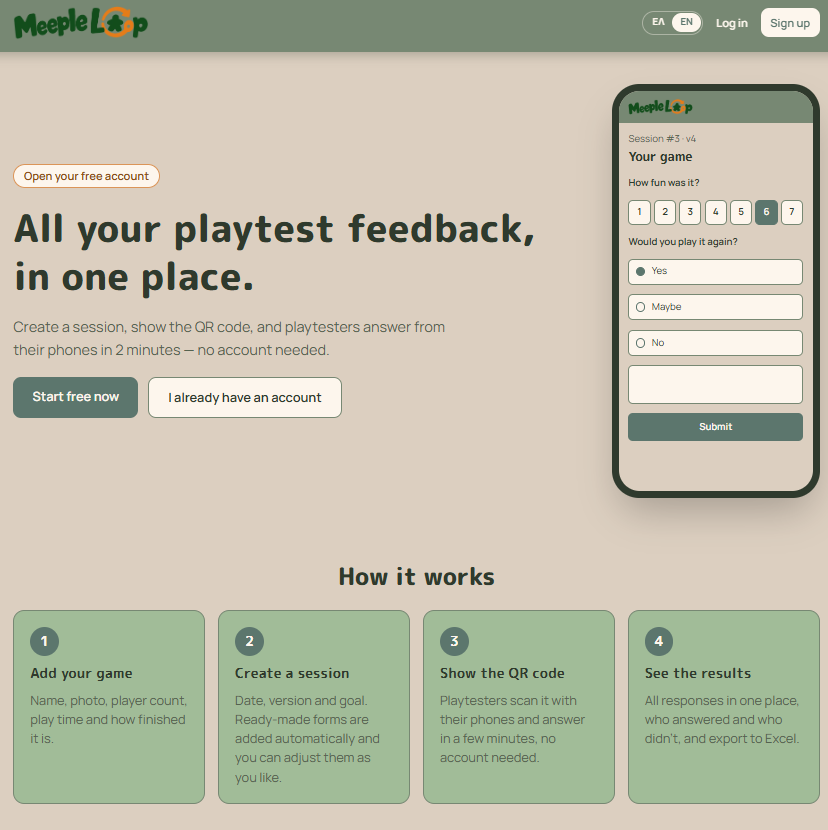
Smarter Playtesting. Better Games.
Meeple Loop is a free online tool designed to simplify board game playtesting and feedback collection. It helps designers organize testing sessions, collect player feedback through QR codes and customizable forms, track prototype versions, and export results to Excel. By keeping valuable playtesting data organized in one place, it supports better analysis, informed decisions, and continuous game development.
Custom Tools. Smarter Solutions. Better Games.
Claude, developed by Anthropic, helps us design and build specialized applications tailored to the unique challenges of board game development. From custom data analysis tools and probability calculators to automated validation systems and gameplay simulations, we use its development capabilities to create practical solutions that streamline complex tasks, uncover patterns, and support more informed design decisions.
Organize Data. Create Documents. Collaborate Seamlessly.
Google Sheets, Docs, and Drive are essential tools in our daily workflow at Dice Peak. We use Sheets to organize game components, analyze playtesting data, and track development progress; Docs to create, review, and refine rulebooks and project documentation; and Drive to securely store, organize, and share project files. Together, these powerful tools enable efficient collaboration, structured workflows, and reliable information management throughout every stage of board game development.
Ready to Begin?
Send us a short description of your game, its current development stage, and the problems or questions you would like us to investigate.
We will review your enquiry and explain what material is required for the initial assessment.


You must be logged in to post a comment.